How to Buy
Follow these simple steps to activate your premium subscription
On the registration page, enter the requested information.

On the next page, choose the specific cryptocurrency you want to use for your payment (e.g., BTC, USDT, LTC).

Review the payment details carefully. Important: Make sure to copy or write down the unique Payment ID for tracking.
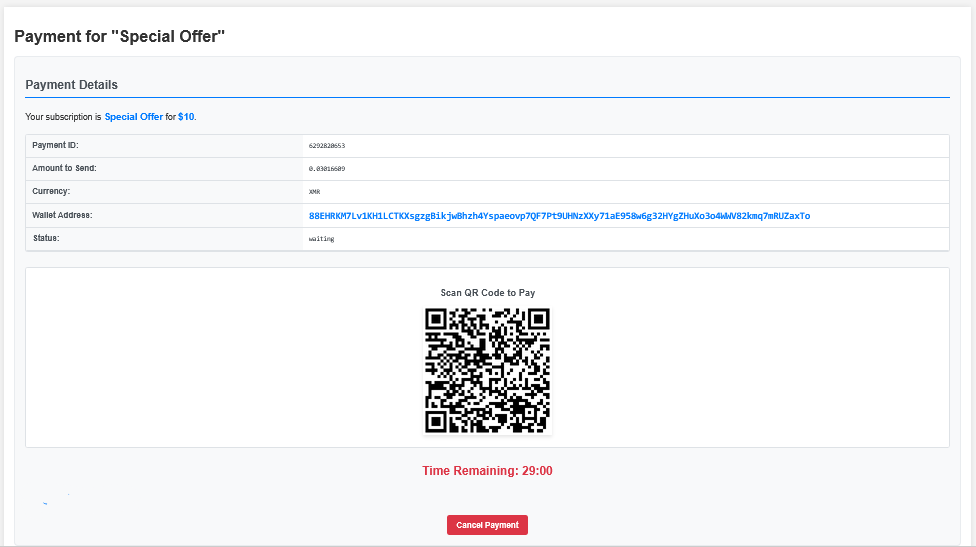
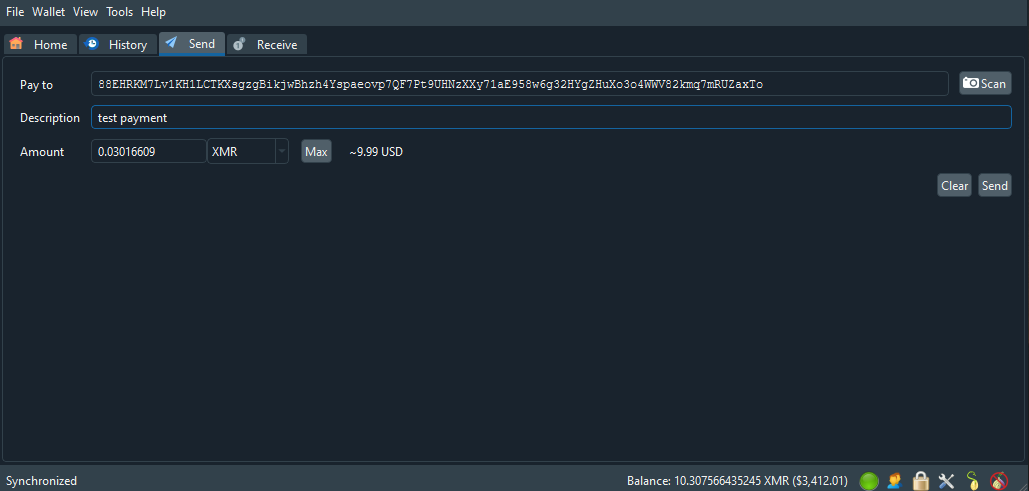
Log in to your crypto wallet and enter the exact payment amount and the recipient wallet address shown on the screen.
After making the payment, please wait. Transactions need time to be confirmed by the blockchain network.
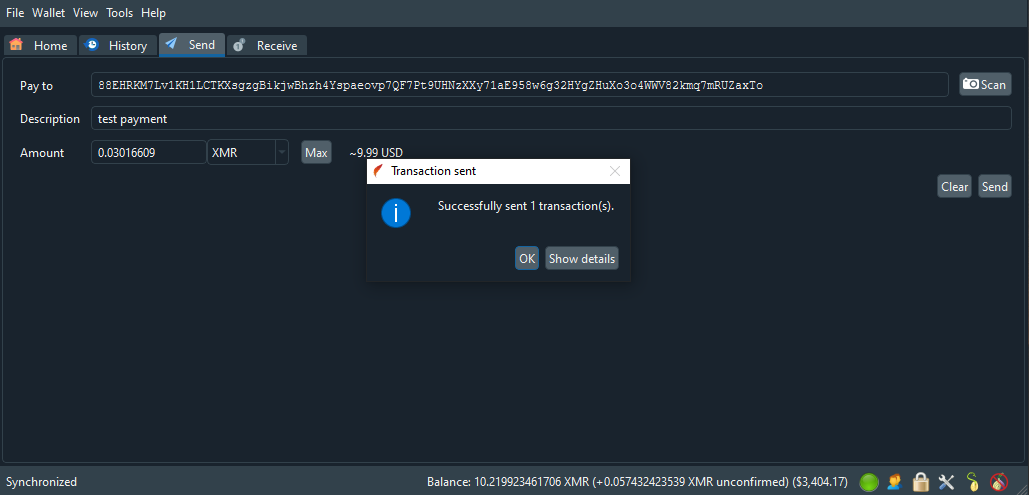
Once the transaction is confirmed on the network, click the "Check Payment Status" button to verify.

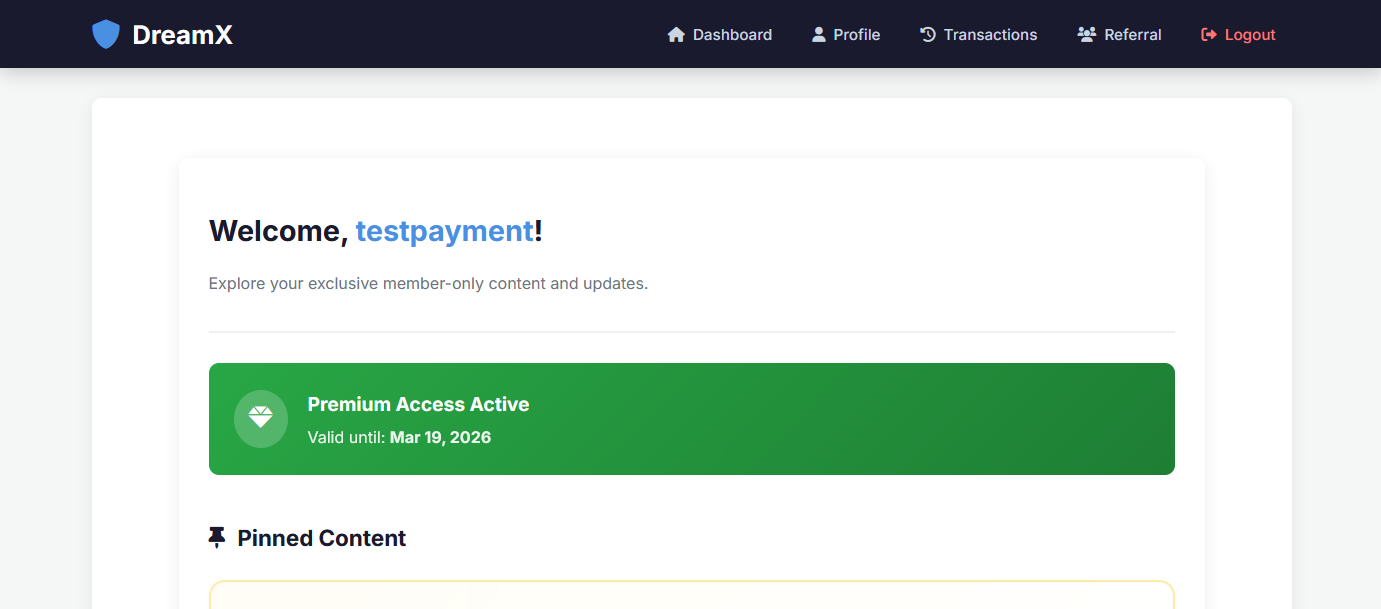
After confirmation, you will be automatically redirected to your personalized dashboard.
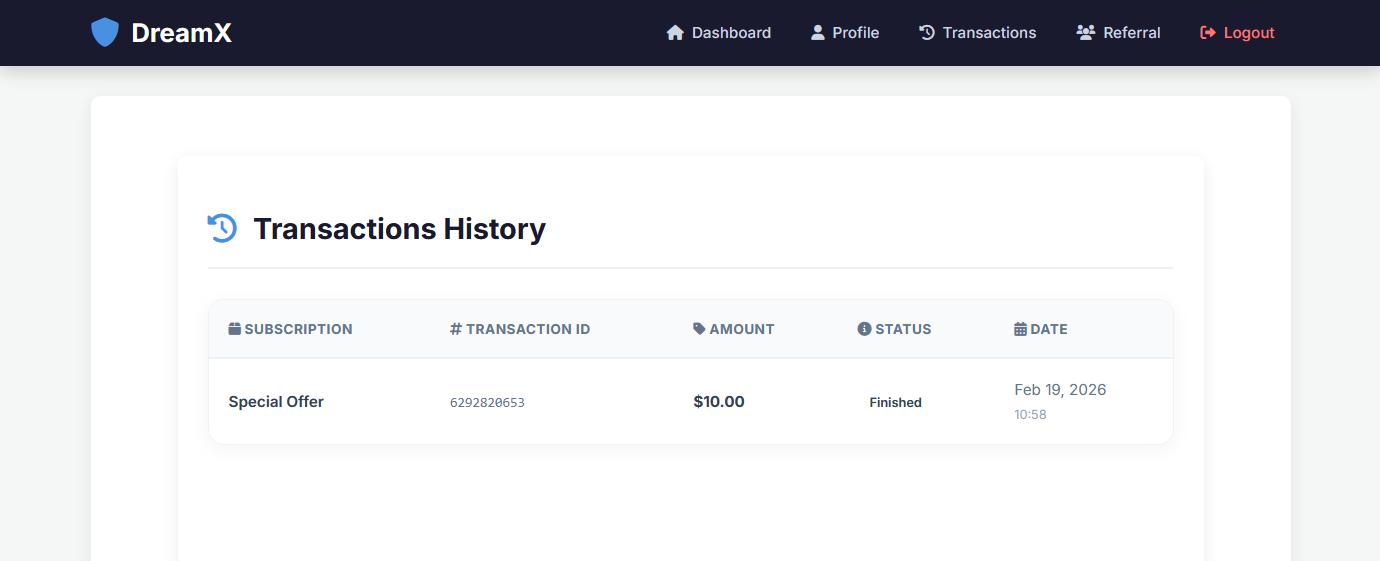
You can always view your payment history and active subscriptions on the History page.